November 7, 2026
Hark 1.4: meeting participants and a new Windows installer
Hark 1.4 reads a meeting's attendee list from a paste or a screenshot, suggests names for voices from what people say, and has a new Windows installer.
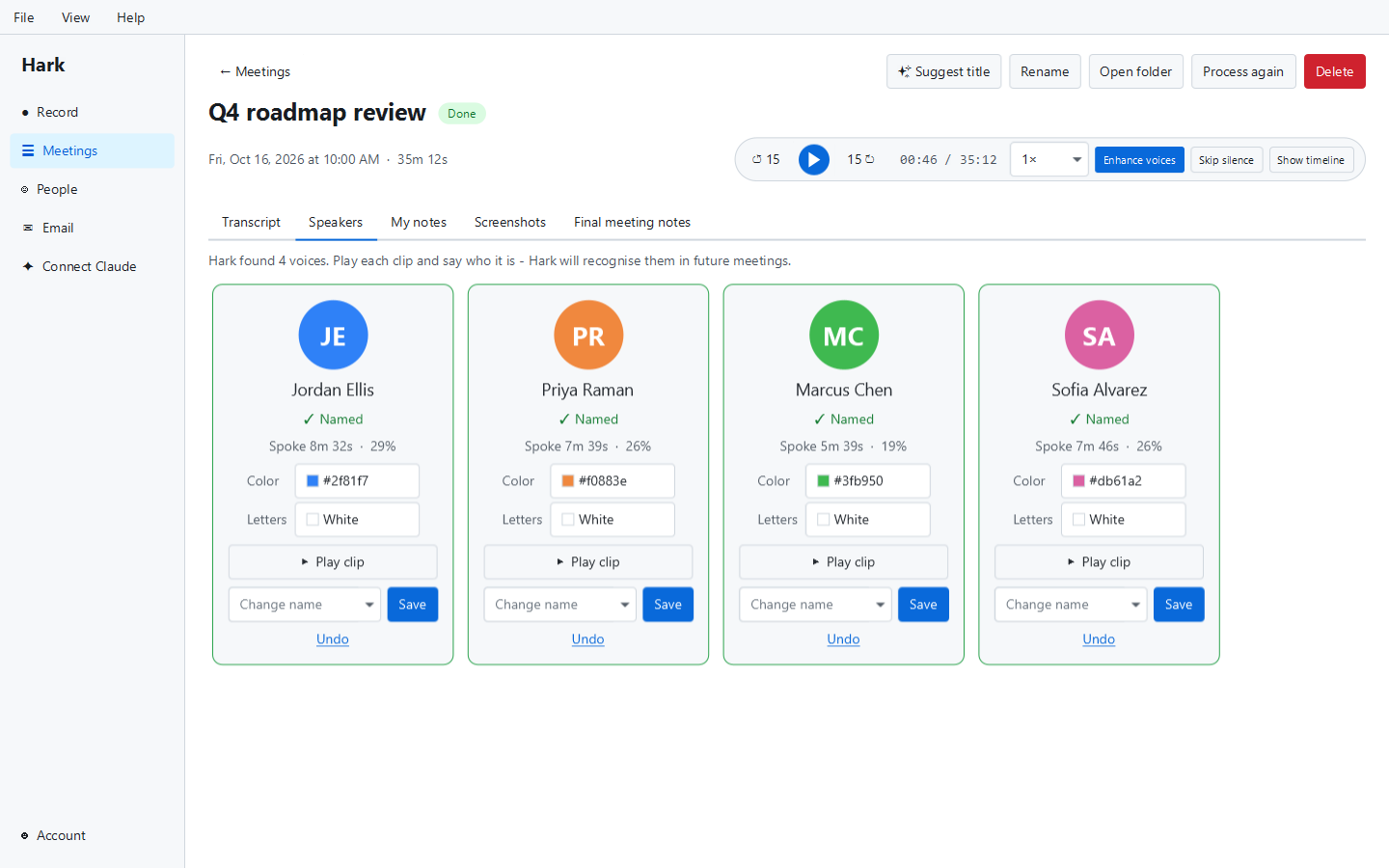
Hark 1.4 came out on November 7, 2026. It knows who is in the meeting, suggests who each voice might be, and comes with a new installer for Windows.
Meeting participants
Most meetings come with a list of who’s invited: in the calendar invite, in an email, in the meeting app’s people panel. Hark 1.4 can use it.
Open Add participants, on the Speakers panel while you record or on a meeting’s Speakers tab afterwards, and paste the list from wherever it is. Or take a screenshot of it: an area of your screen, or a picture you’ve copied. Hark reads out each person’s name and email address. Lists come in every format there is, so this uses AI rather than a fixed set of rules.
From there:
- Copy anyone’s email with one click, for the follow-up.
- Add, edit or remove people by hand, during the meeting or after it.
- Participants come first whenever you name a voice, so naming is mostly picking from a short list.
- AI meeting notes and the live assistant know who was there, so they get names right.
Meeting participants are part of Hark Pro, and work on your first 3 free Pro meetings.
”Maybe Sarah?”
People often say a name just before someone speaks: “Sarah, what do you think?” Hark 1.4 notices that and puts a Maybe Sarah? button on the voice that answers. It works the other way too: “Thanks, Sarah” points at the voice that just spoke, and “I’m Sarah” at the one speaking.
The suggestion comes only from the words in the transcript, using the participants and the names you’ve used before. Hark never applies one by itself: one click accepts it, and ignoring it changes nothing.
A new Windows installer
The old Windows installer asked no questions. The new one gives you a choice on its first page:
- Express installs Hark with no questions.
- Advanced lets you choose where Hark is installed, where your recordings go, whether you’d like a desktop shortcut and what Hark may send us (crash reports and usage counts).
While it installs, a short slideshow shows what Hark does:
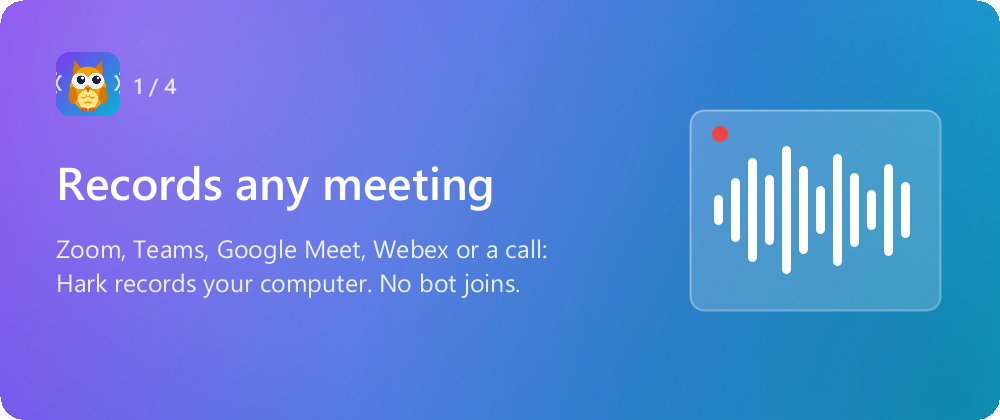
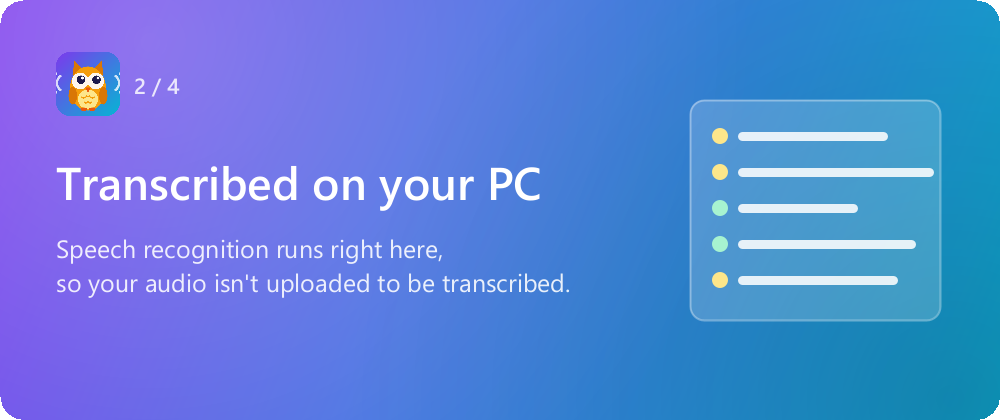
Hark still installs just for you, in your own user folder, so you don’t need administrator rights. It is signed by External Software, like the old one.
If the installer runs into a problem, it can send us an error report so we can fix it. The report says what went wrong and nothing about you. You can turn it off under Advanced, and it follows your crash report setting in Hark. Our privacy policy has the details.
If you already have Hark, you don’t need to do anything. Hark updates itself, and it moves over to the new installer by itself: your meetings, recordings and settings stay where they are.
Fixed
- Deleting a meeting while Hark was still processing it could show an error. Hark now stops the processing quietly.
Getting it
Download Hark for Windows, Mac or Linux. It’s free, and your first 3 recorded meetings get every Pro feature, meeting participants included. Earlier: Hark 1.3.