October 29, 2026
Hark 1.1: a task board, a dashboard and Mac computer audio
Hark 1.1 turns meetings into tasks on a board, adds a dashboard of your meeting time, records computer audio on Macs and lets you connect the AI app you use.
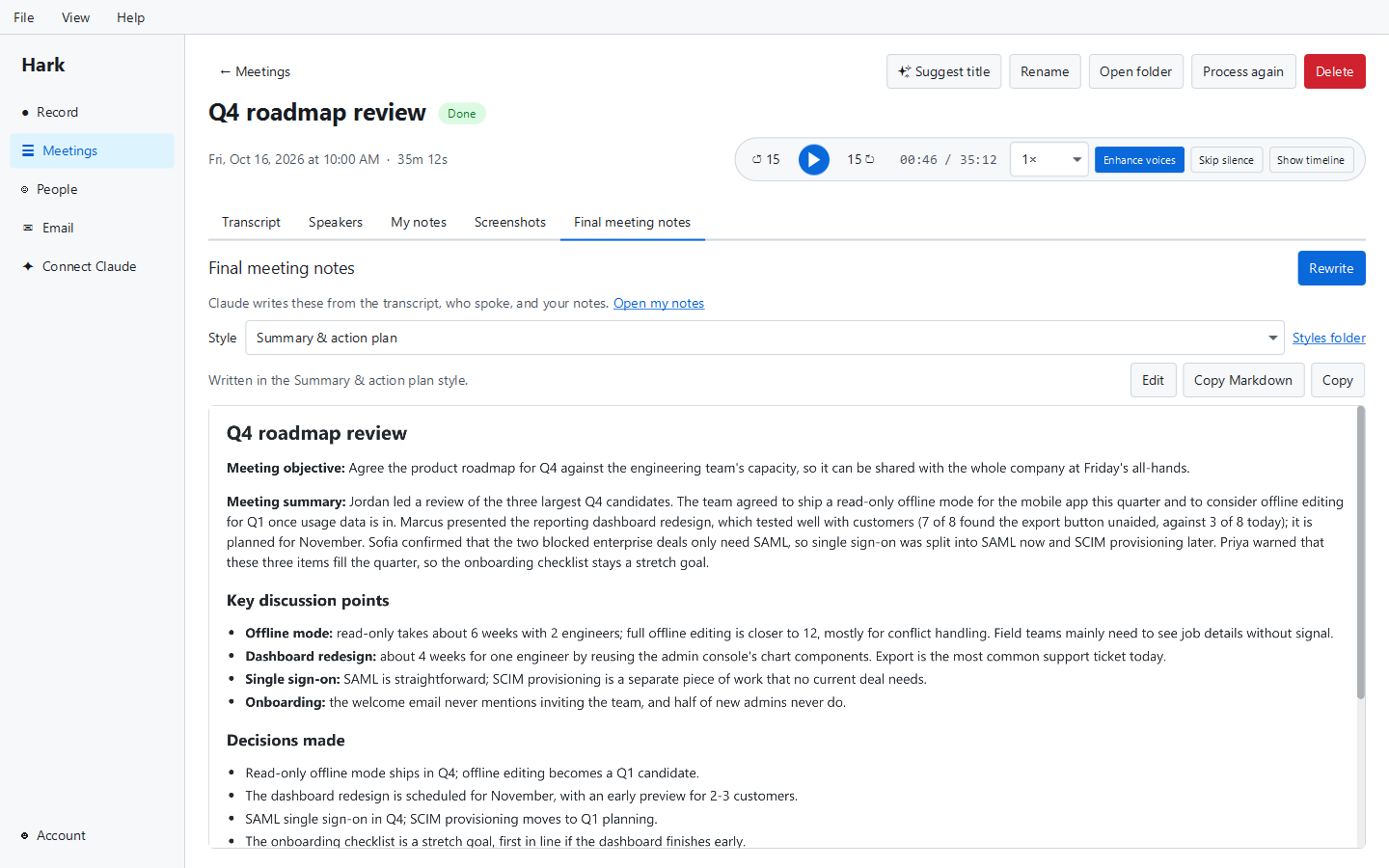
Hark 1.1 is the first big update since we introduced Hark. It came out on October 29, 2026, followed the same day by two smaller updates, 1.1.1 and 1.1.2. This post covers all three.
The short version: meetings now end in tasks you can track, Macs record the other side of the call, and Hark works with more AI apps than just Claude.
A task board for what meetings decide
Most meetings end with someone saying “I’ll take that”. Until now that sentence lived only in the transcript. Hark 1.1 adds a task board with To do, In progress and Done columns. You can rename and reorder the columns, add your own, set due dates and drag tasks between them.
Tasks come straight from your meetings:
- Make tasks on a meeting’s final notes finds the action items and turns them into tasks, each linked back to the meeting it came from.
- Any transcript line can become a task too, for the moment someone made a promise that the notes didn’t catch.
If your team already tracks work in Jira, Linear, Asana or something similar, a Hark task can keep that task’s ID and link. With a connector for that tracker, Claude can create the task there and save its ID in Hark, so the two stay linked. (Hark doesn’t sync with those trackers on its own.)
The board is free. Projects for grouping tasks are part of Hark Pro.
A dashboard of your week
The new dashboard shows how much time you spent in meetings this week, this month and in total, with a chart of the last 8 weeks. It also lists your open and overdue tasks, how far along each project is and your recent meetings. (Since Hark 1.2, the meeting stats and projects are part of Pro.)
Mac computer audio
On Windows and Linux, Hark has always recorded both your microphone and what your computer plays, which is how the other people on a call get into the recording. On a Mac it could only record the microphone.
Hark 1.1 records computer audio on macOS 14.2 and later too. macOS asks for permission once, and after you sign in Hark walks you through the microphone, computer audio and screen recording permissions, one at a time. 1.1.2 shows which of those are already allowed. Older Macs still record the microphone only.
The 1.1.1 update fixed problems we found by testing on real Mac hardware: computer audio now stays in step with your microphone through quiet stretches, audio no longer comes out garbled in rare cases, and stopping a recording always ends cleanly, even while macOS is still showing its permission prompt.
Connect the AI app you use
Hark has a local connection (MCP) that lets an AI app read your meetings and work with them. In 1.1 that includes the task board: your AI app can list, create, update and move tasks. During a meeting, the live assistant also mentions when the conversation moves one of your tasks along.
In 1.1.2 the Connect Claude page became Connect AI. Pick your app and Hark shows its setup steps: Claude Desktop (one click), Claude Code, OpenAI Codex, Gemini CLI, GitHub Copilot in VS Code, Cursor, Windsurf, LM Studio or any other app that supports MCP. There is more on this in how to use Claude with your meeting transcripts.
Smaller changes
- Quieter playback: Enhance voices now also removes background noise while you listen. Transcripts still use the original audio, which transcribes better.
- Sync includes tasks, projects and columns, end-to-end encrypted like everything else Hark syncs.
- Send feedback (1.1.2): a page, also under Help, that sends an idea or a problem straight to us.
- Check for Updates (1.1.2) in Help > About, and the version number under Account in the side bar.
- Usage counts: Hark tells us how many meetings you record and import each day and how long they were. Nothing about what’s in them. You can turn it off in Preferences > Privacy.
- Fixed “database is locked” errors when two parts of Hark saved at the same moment.
Getting it
Download Hark for Windows, Mac or Linux. It’s free, and your first 3 recorded meetings get every Pro feature. Next up: Hark 1.2.