SFTP, FTP and FTPS for Windows
File transfer that looks the way you want
Ferry moves files between your computer and your servers. Your computer is on the left, the server is on the right, and every transfer goes through one queue. Pick from 19 themes, or let Ferry follow Windows light and dark mode.
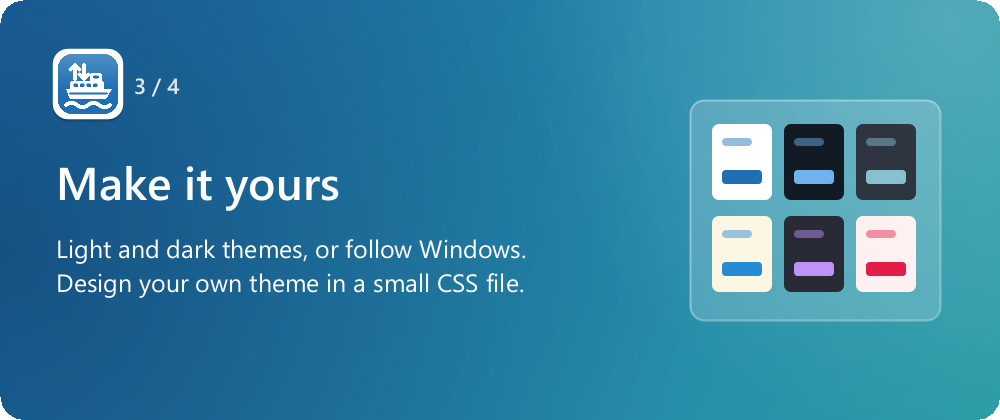
Make it yours
Theming is where Ferry is different. "Match system" follows Windows light or dark mode, using Ferry's own Harbor Light and Harbor Dark themes. Or pick one of 19 built-in themes and keep it.
If none of them suits you, write your own. A theme is a small CSS file that you put in Ferry's themes folder.
Some of the 19 built-in themes
- Harbor Light
- Harbor Dark
- Primer Light
- Primer Dark
- Nord Light
- Nord Dark
- Cupertino Light
- Cupertino Dark
- Dracula
- Solarized
- Gruvbox Dark
- and others
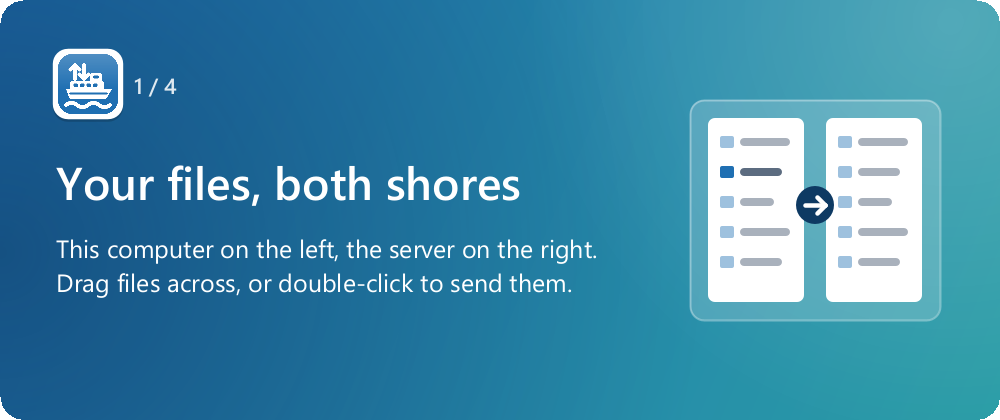
Your computer on the left, the server on the right
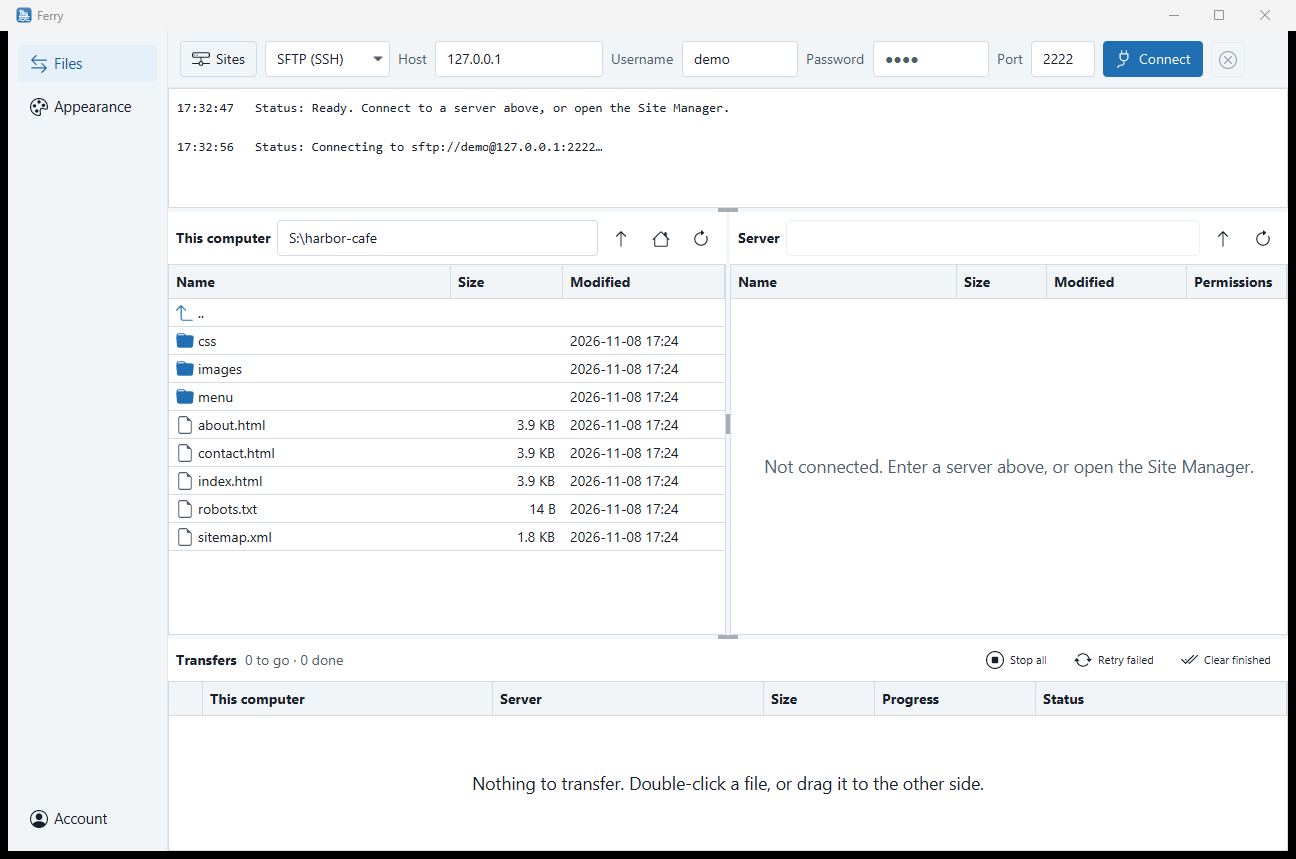
Type a server into the Quickconnect bar at the top and connect. The message log below it shows what Ferry is doing. "This computer" is on the left, the server is on the right, and the transfer queue runs along the bottom.
To send a file, double-click it or drag it to the other side. You can also drag files in from Explorer.
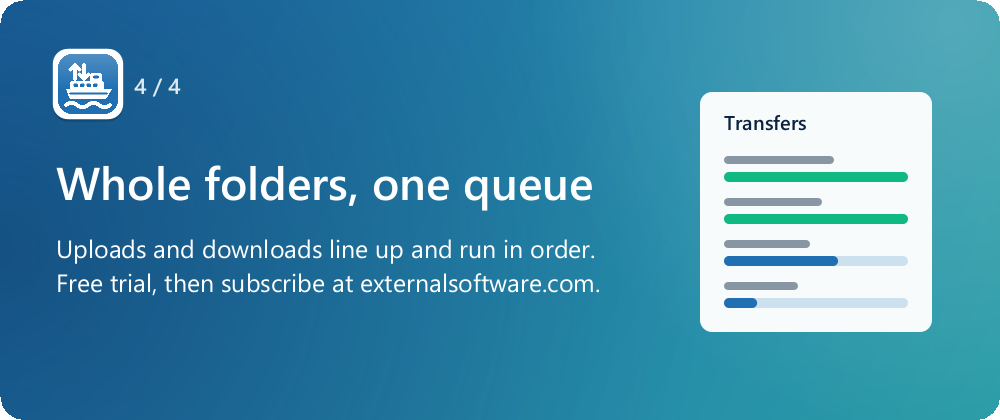
Whole folders, one queue
Upload or download a whole folder and everything in it joins the queue. Uploads and downloads share the same queue.
- ✓ Stop the queue
- ✓ Retry the transfers that failed
- ✓ Clear the ones that finished
Your servers, kept safe
- ● The Site Manager saves your servers. Saved passwords go in your system's secure storage: Windows DPAPI, the macOS Keychain or the Linux Secret Service.
- ● SSH server keys are checked like OpenSSH. Ferry shows you the fingerprint the first time you connect, and warns you loudly if a server's key changes.
- ● SFTP, FTP and FTPS. FTPS in Ferry means explicit TLS.
- ● Your files never come to us. Files, file names, server addresses, usernames and passwords never go to External Software. Ferry connects straight from your computer to your server.
Connect only to servers you have permission to use. See the Ferry terms.
One plan, with a free week to start
Ferry
$4.99/month
after a 7-day free trial
- ✓ 7-day free trial that starts the first time you sign in
- ✓ Sign in with an External Software account, using a code we email you
- ✓ Use it on up to 5 computers
- ✓ Cancel any time
Bought at the External Software store. See the Ferry terms and refund policy.
Try Ferry free for a week
7 days free, then $4.99/month for up to 5 computers.
Frequently asked questions
What is Ferry? +
Ferry is a desktop app for moving files between your computer and a server over SFTP, FTP or FTPS. Your computer is on the left, the server is on the right, and the transfer queue runs along the bottom. It is made by External Software LLC.
Which protocols does Ferry support? +
SFTP, FTP and FTPS. FTPS in Ferry means explicit TLS.
Which computers does Ferry run on? +
Ferry is made for Windows. Installers for macOS and Linux are built too.
Can I change how Ferry looks? +
Yes. Ferry has 19 built-in themes, including Harbor Light and Harbor Dark, Primer, Nord and Cupertino in light and dark, Dracula, Solarized and Gruvbox Dark. "Match system" follows Windows light or dark mode. You can also write your own theme as a small CSS file in the themes folder.
Where does Ferry keep my passwords? +
In your system's secure storage: Windows DPAPI, the macOS Keychain or the Linux Secret Service. The Site Manager saves your servers, and the passwords for them go there.
Does External Software see my files? +
No. Ferry connects straight from your computer to your server. Your files, file names, server addresses, usernames and passwords never go to External Software.
How does Ferry check SSH servers? +
Like OpenSSH. The first time you connect to an SFTP server, Ferry shows you the server's key fingerprint. If that key changes later, Ferry warns you loudly before going on.
How much does Ferry cost? +
A 7-day free trial that starts the first time you sign in, then $4.99/month for up to 5 computers. You sign in with an External Software account, using a code we email you. Cancel any time.