October 30, 2026
Recount 1.2: mark who's talking live, echo removal and Recount Pro
Recount 1.2 lets you mark who is talking during the meeting, removes speaker echo from your microphone, recognizes people who sign up themselves and adds Recount Pro.
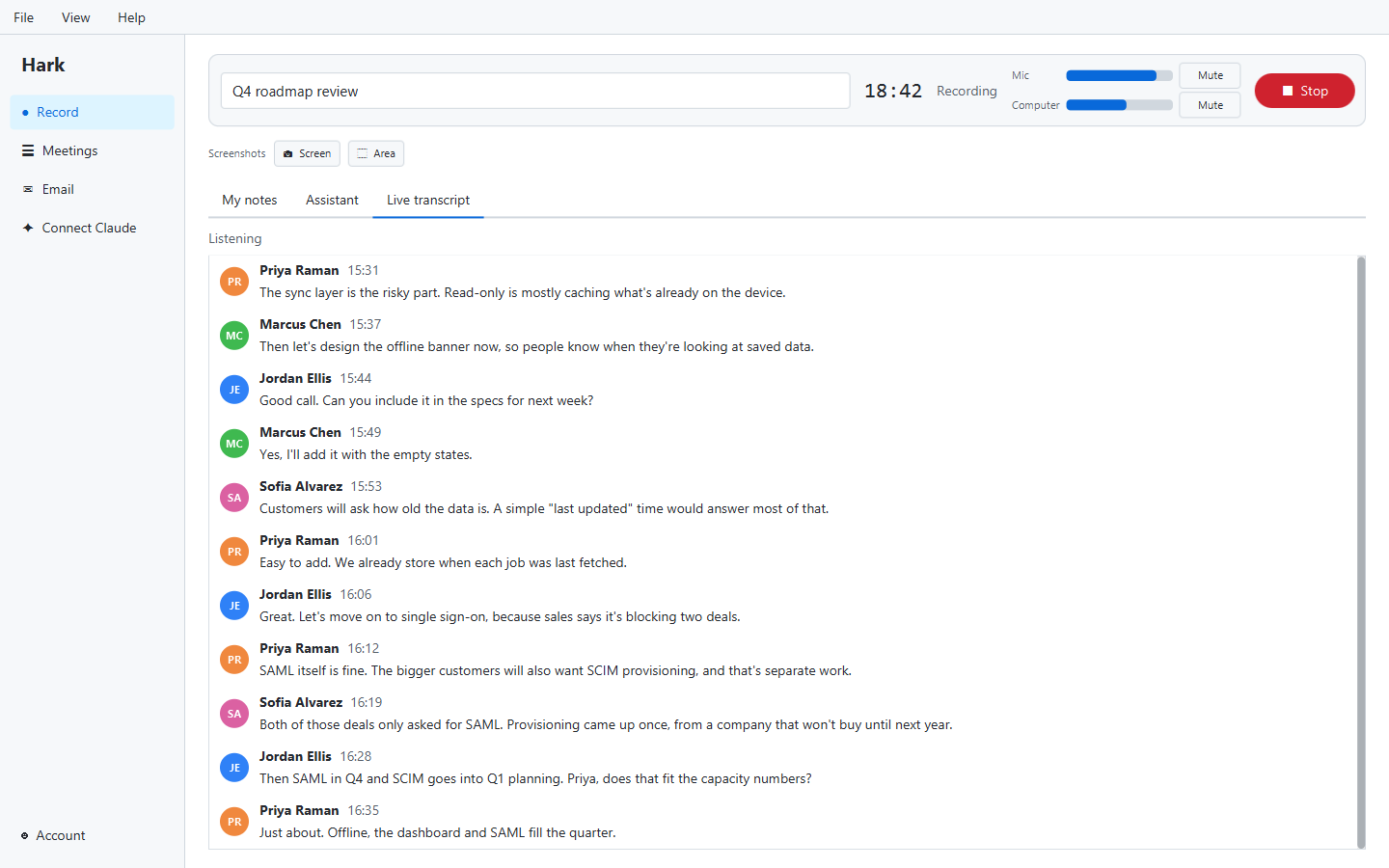
Recount 1.2 came out on October 30, 2026. It is about getting “who said what” right while the meeting is still going, and about recording cleanly when you don’t wear headphones. It also brought in Recount Pro.
Mark who’s talking, as it happens
Recount has always told speakers apart after a meeting and let you name them. If it got someone wrong, you fixed it afterwards on the timeline.
In 1.2 you can do that during the meeting instead. Add the people on the call, then press whoever is talking, or use Ctrl+1, Ctrl+2 and so on. A live timeline shows who spoke when. You can also name a “Voice 2” right in the live transcript.
When the meeting ends, Recount uses all of it to build the final transcript. Whatever you marked belongs to that person, so there is nothing to fix afterwards.
Echo removal
If you listen to a meeting on speakers, your microphone hears the other people too. That used to put their words in the recording twice: once clearly from the computer audio and once, faintly, through your mic.
Recount 1.2 takes the meeting audio back out of your microphone. The other people come through the clear computer audio and your microphone carries only your voice. It works live and again after the meeting, and Recount keeps the original microphone track too. Echo removal is free.
Recognize more people, with their own consent
Recount could already recognize your own voice if you set that up. In 1.2, other people can be recognized too, on one condition: each person does it themselves. They sit down at your computer, read the consent, sign it with their own name and read a short passage aloud. Nobody can agree for someone else.
Each voice stays on that computer, is kept for 6 months and can be deleted any time. Recount doesn’t remember anyone’s voice unless they agreed themselves. The details are on how Recount handles voices and in how Recount tells voices apart.
Because this changed what Recount does, the Terms of Service were updated and Recount asks you to accept them once.
Recount Pro
1.2 also changed how Recount is priced. Recording, transcription, telling speakers apart and everything above stay free forever. Recount Pro ($12 a month) adds AI notes, sync and the power tools.
New accounts get their first 3 recorded meetings and 1 imported recording with every Pro feature, free, and those meetings keep them for good. No card needed. Pro also gained Word, PDF and subtitle exports and search across every meeting’s transcript, and Enhance voices, projects and your stats moved into Pro. The full story is in how Recount’s pricing works.
Smaller changes
- A sharper Recount icon on Mac.
Getting it
Download Recount. Remember that some places require everyone’s consent before a meeting is recorded; see our recording consent laws by state. Earlier: Recount 1.1. Next: Recount 1.3.