October 30, 2026
Recount 1.3: name speakers during the call and automatic updates
Recount 1.3 tells voices apart while you record so you can name them on the spot, adds a Voices page, sets up sync for you and keeps itself up to date.
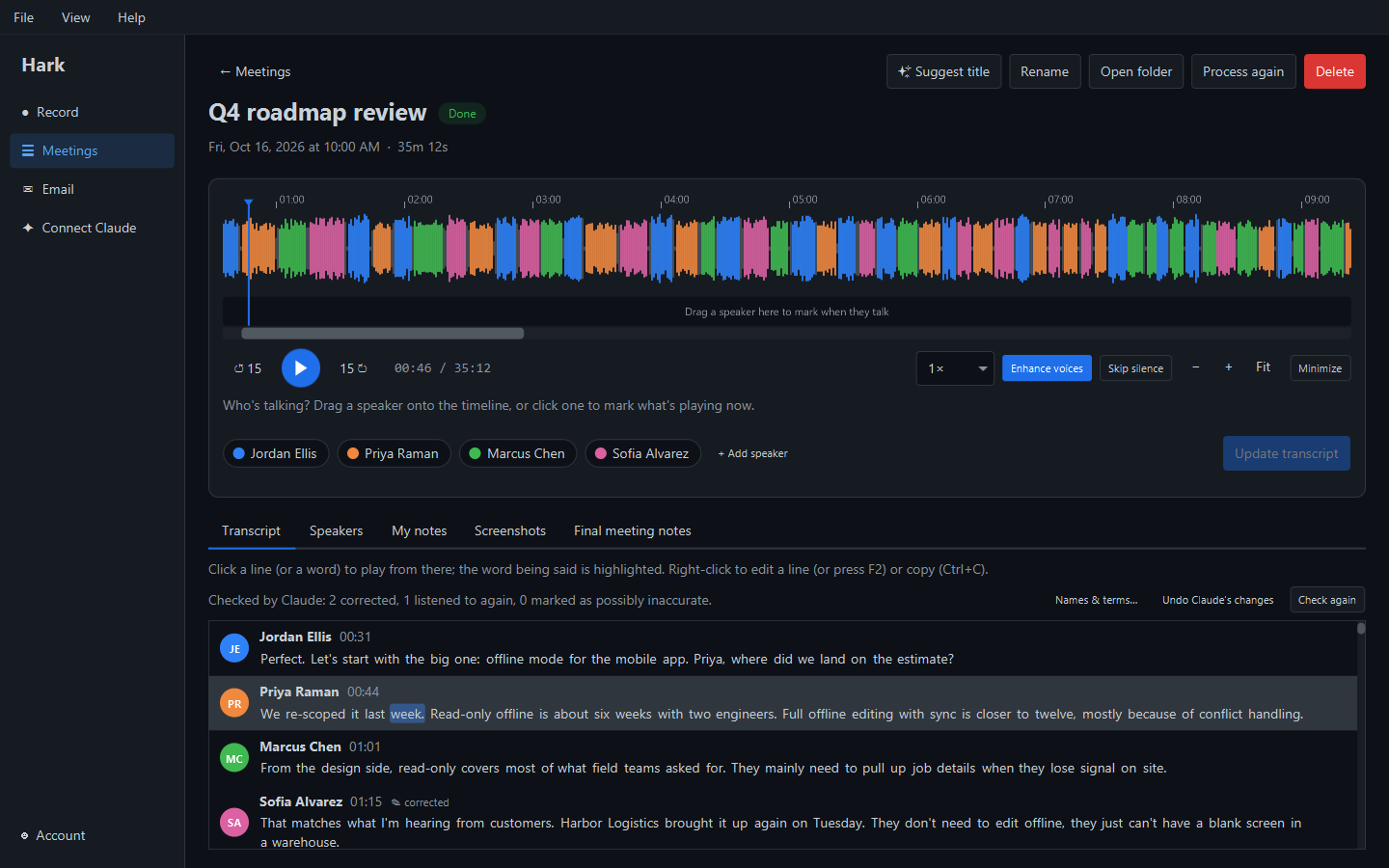
Recount 1.3 followed 1.2 later the same day, October 30, 2026. Where 1.2 let you mark who’s talking by hand, 1.3 does the first step for you.
Name speakers during the call
Recount now tells the voices apart while you record. Each voice it hears gets a card on the Record page. To name someone, type their name on their card, or click their name in the live transcript.
If Recount splits one person into two cards, drag one card onto the other and Recount treats them as the same person. The names you give during the call stay on the meeting afterwards, so the final transcript arrives already labelled.
A Voices page
”Recognize my voice” and the other people Recount recognizes now have their own Voices page in the side bar, instead of sitting on the Account page. Each person still sets themselves up at your computer and can be deleted any time.
Sync sets itself up
If you use sync and sign in on another computer, Recount now offers to join your existing sync straight away instead of leaving you to find the setting. Sync is part of Recount Pro and end-to-end encrypted: we can’t read what it stores.
Automatic updates
Recount now updates itself. When it opens, it checks for a new version and installs it before you start. If an update turns up later, Recount never interrupts a recording or a meeting it is still processing: it waits until both are done, then asks once. Choose Later and it installs the next time you open Recount.
Signed for Windows
The Windows installer is now signed by External Software, so Windows shows our name instead of “Unknown publisher”. Mac installers aren’t signed yet; that is waiting on Apple.
Smaller changes
- Your profile picture: your Gravatar shows in Recount, with steps for changing it on the Account page.
- Every copy of Recount now asks you to sign in with your free account.
Getting it
Download Recount, or just open it: Recount 1.3 and later update themselves. Earlier: Recount 1.2. Next: Recount 1.4.