 Recount AI Notetaker


November 16, 2026
Recount 1.8.1: Teams hears you again on a Mac
Recount 1.8.1 fixes a Mac problem from 1.8: while Recount recorded a call, Teams and other call apps could stop hearing your microphone. Update to fix it.
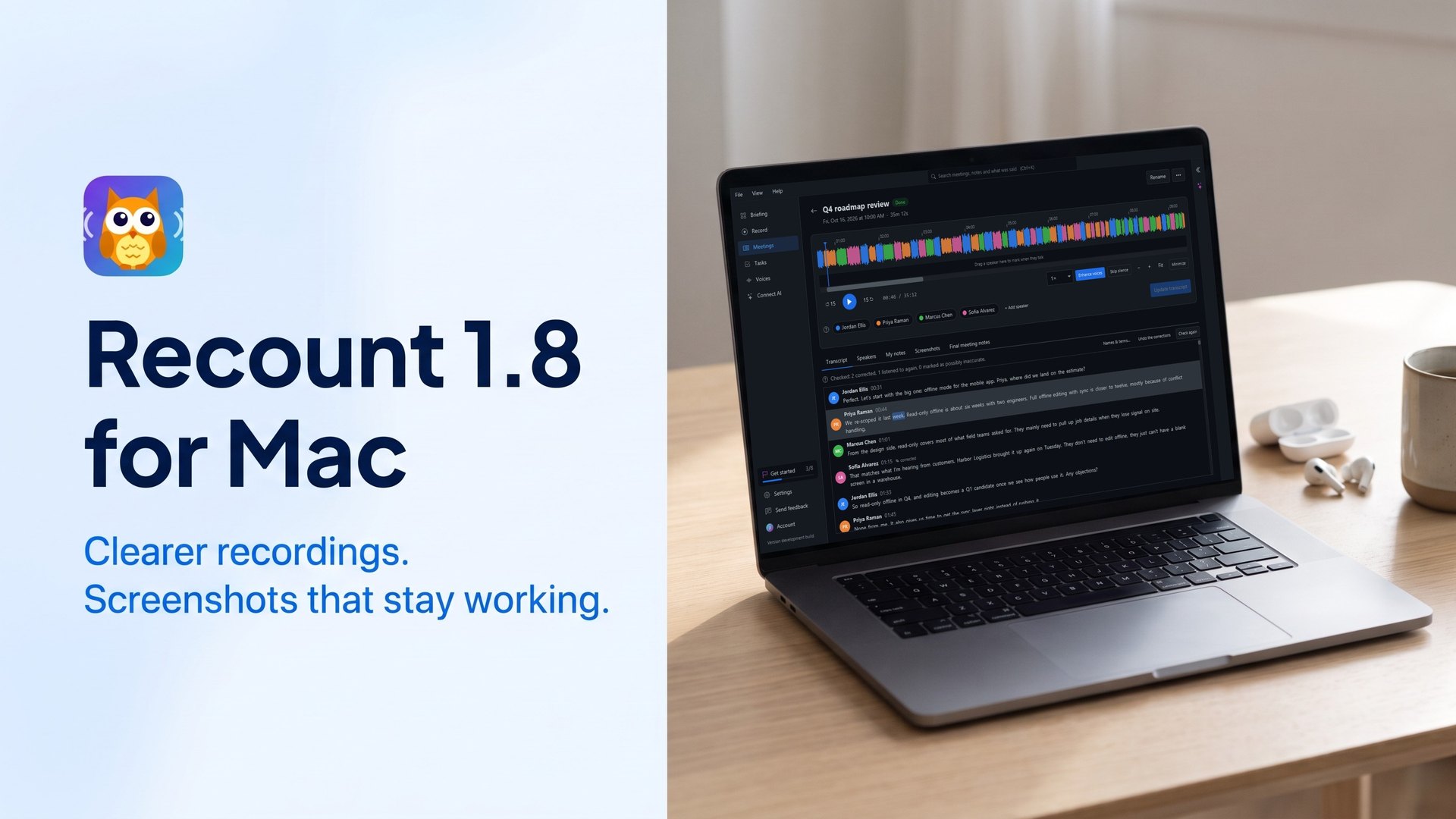
Recount 1.8.1 is a quick fix for Mac. If you used Recount 1.8 on a Mac to record a Teams call, the people on the call may not have heard you. We found it the same way you might have: in one of our own meetings.
What went wrong
Recount 1.8 started recording your microphone through macOS echo cancelling, the voice processing FaceTime uses, to keep the call on your speakers out of your mic. What we underestimated: while it runs, macOS changes the microphone for every app on the Mac, not only Recount. In a Teams call, Teams stopped hearing the person recording completely. A note taker that mutes you in your own meeting is worse than an echo, so it had to go.
What 1.8.1 changes
- macOS echo cancelling is off on every Mac, including Macs where it was on in 1.8. Teams, Zoom, Meet and other call apps hear your microphone normally while Recount records.
- Echo is still handled. Recount takes the call heard on your speakers out of your microphone track after the meeting, as it did before 1.8, so lines aren’t transcribed twice or given to the wrong person.
- The setting stays, for meetings in a room. Settings > Recording > “Use macOS echo cancelling on the microphone (not during calls)“. Leave it off whenever you’re on a call.
- Cleaner transcripts on every system. Transcripts no longer show a stray
<unk>where the speech model wasn’t sure of a word.
Getting it
Recount updates itself when you open it, and never in the middle of a recording. If you’re still on Recount 1.8, you can fix it right away: untick Settings > Recording > Use macOS echo cancelling on the microphone. It takes effect with the next recording.
New to Recount? Download Recount for Mac, Windows or Linux. It’s free: recording, transcription on your computer and speaker labels, with no meeting bot joining your calls.
Found something else that’s off? Tell us through Help > Send Feedback in Recount.